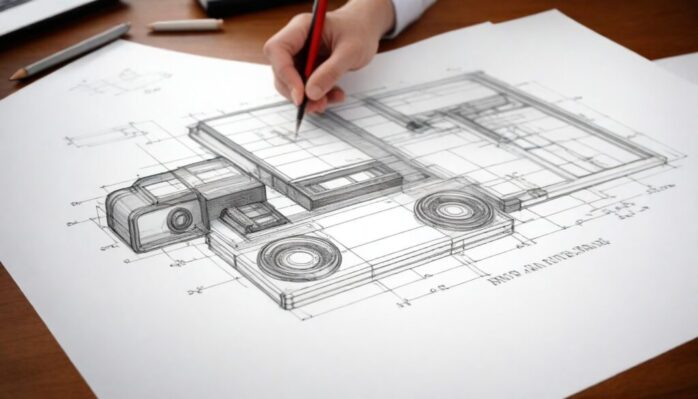
Patent applications often feel like decoding a secret language, but don’t worry—you’re in the right place.
Let’s break down how patent drawings, symbols, and conventions come together to help your application succeed.
Key Points
- Accurate patent drawings ensure your product is represented correctly.
- Professional draftsmen save time, and money, and reduce rejection risks.
- Following USPTO standards is essential for approval.
- Symbols add clarity and standardization to technical drawings.
- Certain conventions must be followed for clarity and compliance.
Why You Shouldn’t Sketch It Yourself?
Filing for a patent means showcasing your invention in its best possible light. That starts with visuals that meet USPTO standards. Sloppy sketches won’t cut it. Professional services like Artworks IP specialize in creating patent drawings that align with every requirement. They save you the headache of figuring out what’s needed while ensuring accuracy and compliance.
According to USPTO standards, visuals must be clear and precise. Any deviation can lead to delays or rejection. Professionals ensure your drawings meet these criteria, reducing risks. Artworks IP excels at translating concepts into visuals, giving your invention the attention it deserves. They save you time, prevent unnecessary costs, and help avoid rejections. Would you trust a stick figure to represent your groundbreaking idea? Probably not.
Basics of Patent Drawings ─ What You Need to Know

Drawings aren’t decorative; they are functional. They convey the essence of your invention in a way words often cannot. Examiners rely on visuals to understand complex ideas. Without clear images, your application might face rejection.
Patent visuals require precise lines, correct proportions, and adherence to USPTO standards. They must be neat, easy to interpret, and sufficiently detailed. Forget fancy designs; simplicity and accuracy win the day. Always remember to label parts and ensure visuals reflect the written description.
Black-and-white visuals are standard for a reason. They prevent misinterpretation and ensure examiners focus on the essential details. If your invention involves moving parts, arrows or broken lines can depict functionality without overwhelming the viewer.
The Role of Symbols in Technical Drawings
Symbols are the secret sauce of technical visuals. They simplify explanations, reduce text clutter, and make drawings universally understandable. Each symbol carries a specific meaning, and misuse can confuse the examiner.
Think of symbols as a universal language. A dashed line might indicate a hidden feature, while a solid arrow shows direction. Engineers and examiners recognize these cues instantly. Consistency in applying them across your visuals prevents miscommunication.
Some common symbols include arrows for motion, broken lines for hidden components, and dots for rotation points. Mislabeling or inconsistent application can derail an otherwise strong application. Take time to confirm every symbol aligns with its intended purpose.
Conventions That Keep Patent Drawings USPTO-Compliant
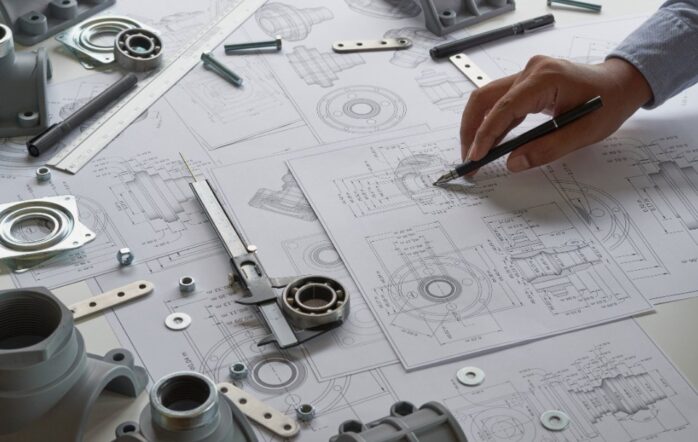
Compliance isn’t optional—it’s mandatory. Following conventions ensure your visuals are readable and meet legal standards. Skipping over small details can result in rejection or delays.
Essential conventions:
- Scale accuracy ─ Proportions must match real-world dimensions.
- Margins matter ─ Keep a minimum 1-inch border on all sides.
- Number references clearly ─ Use numbers that tie visuals to written descriptions.
Staying compliant requires attention to detail. Examine the USPTO guidelines before starting. Double-checking your work ensures the visuals support your application without issues.
Should You Outsource or Go DIY?
The thought of handling everything yourself might seem appealing—until you realize how technical the process can be. Professional draftsmen offer more than just visuals. They bring expertise that ensures compliance and clarity.
Outsourcing also saves you time. Instead of worrying about margins, scales, and symbols, you can focus on refining your invention. Professionals understand the standards and guarantee accuracy. Mistakes in visuals can lead to rejection, forcing you to start over. Outsourcing prevents those risks.
Key benefits of outsourcing:
- Saves time by avoiding mistakes.
- Ensures visuals comply with USPTO requirements.
- Cost-efficient when compared to the expense of re-filing applications.
How to Label Your Drawings Properly
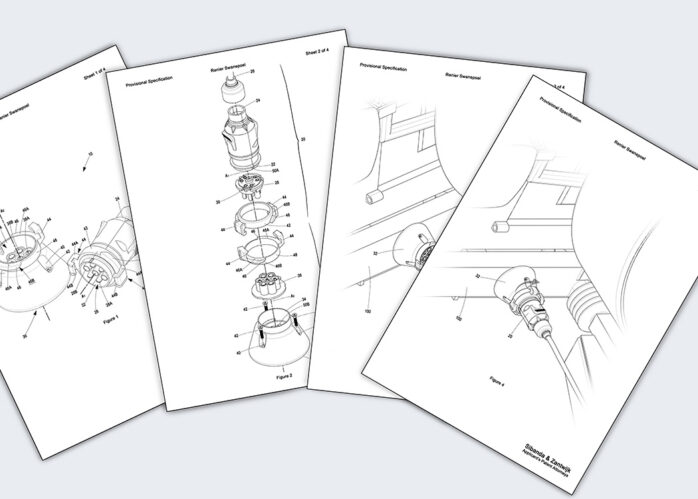
Labels are not optional. Every detail in your drawing must have a corresponding label that matches your written description. Labels guide examiners and prevent confusion.
Start by assigning numbers to every part of your invention. Keep those numbers consistent throughout the application. Place labels outside the visual area to maintain clarity. Always match each number to its detailed explanation in the written portion. Missing or unclear labels can create delays or even rejection.
For example, a wheel might be labeled “1,” while its axle is “2.” The written description explains how parts “1” and “2” interact. This system makes it easy for examiners to follow your invention’s structure and functionality.
Common Mistakes to Avoid in Patent Drawings
Mistakes in illustrations can turn a strong application into a frustrating mess. Errors make it harder for examiners to understand your invention and often result in rejection. Avoiding these pitfalls is crucial.
- Color usage ─ Stick to black and white. Color can distract or confuse the examiner.
- Lack of scale ─ Proportions matter. Examiners need accurate dimensions to assess functionality.
- Missing labels ─ Every part must have a label. Don’t leave anything unmarked.
Double-check every detail. Even small oversights can lead to significant setbacks.
Mastering the Art of Linework for Clarity
Linework might seem trivial, but it’s a cornerstone of strong visuals. Clean, sharp lines convey professionalism and make your invention easy to interpret. Faint or messy lines confuse examiners, risking rejection.
Use bold lines for major components and lighter lines for details. Always ensure contrast between overlapping parts. Avoid overly thick or thin lines that hinder readability. Investing in proper tools or outsourcing ensures your linework meets expectations.
Why Margins and Layouts Matter
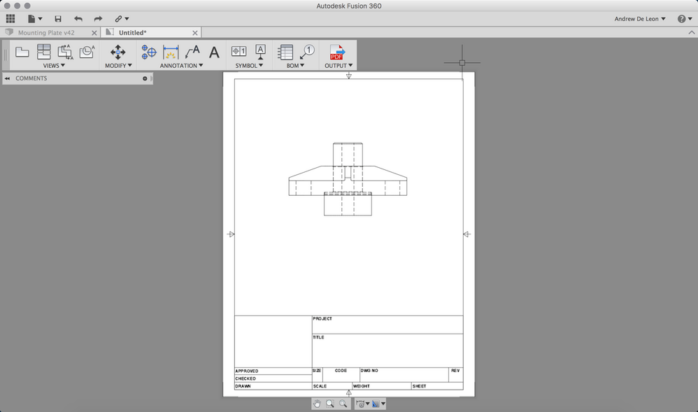
Margins and layouts are often overlooked but play a critical role. The USPTO mandates a 1-inch margin to ensure visuals remain clear when printed or scanned. Neglecting margins can result in resubmission requests.
Layouts should balance text and visuals, ensuring nothing feels cramped. A clean layout enhances readability and demonstrates professionalism. Think of it as packaging for your idea—if the wrapper looks messy, people might assume the contents are, too.
Deciding Between Digital Tools and Hand-Drawn Visuals
Technology has revolutionized patent visuals, but some inventors prefer hand-drawn methods. Digital tools like CAD software provide precision and speed, making them ideal for complex designs. However, hand-drawn visuals offer a personal touch, often favored for simpler inventions.
Consider the complexity of your invention. For intricate designs, digital tools reduce errors. Simpler ideas might benefit from hand-drawn visuals, provided you have steady hands and a knack for accuracy.
Final Thoughts
Patent drawings are not just about meeting requirements; they’re about showcasing your invention effectively. Stick to the standards, use clear symbols, and follow conventions to ensure your application stands out. For a stress-free experience, professional services offer the expertise to help you get it right. Let their skills amplify your idea while you focus on perfecting your invention.